Digital wardrobe & AI outfit planner
Dress smarterwith what you own.
FitWardrobe is a digital wardrobe app and AI outfit planner. Add your clothes once, choose work, an interview or the weekend, and get an outfit from what you own, with one line on why it works.
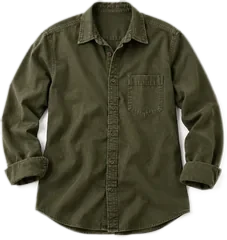
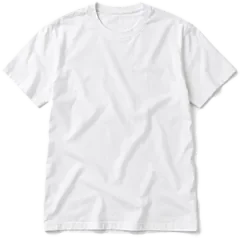
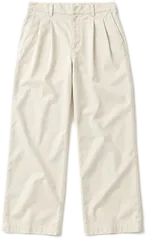
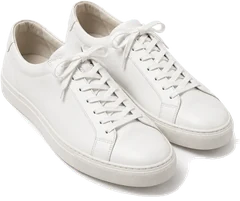
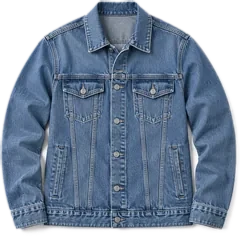
- Get outfit ideasWith a reason for each
- Keep it privateStored on your device
- Your own clothesNothing to buy, nothing to browse
- Stored on your deviceOn your phone or in your browser
- A reason for every pickOne line on why it works
- Every occasionWork, travel, dates, gym and more
More than a wardrobe app
A digital wardrobe that learns your taste.
Tell FitWardrobe the styles you like and the colours you avoid. It learns from every outfit you keep or skip, so the next one feels more like you.
See how it works
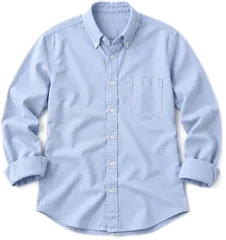
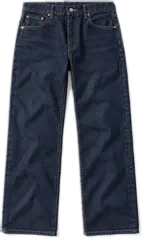
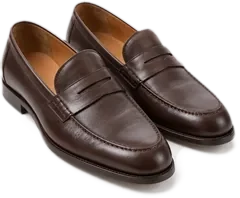
Design preview
Styles
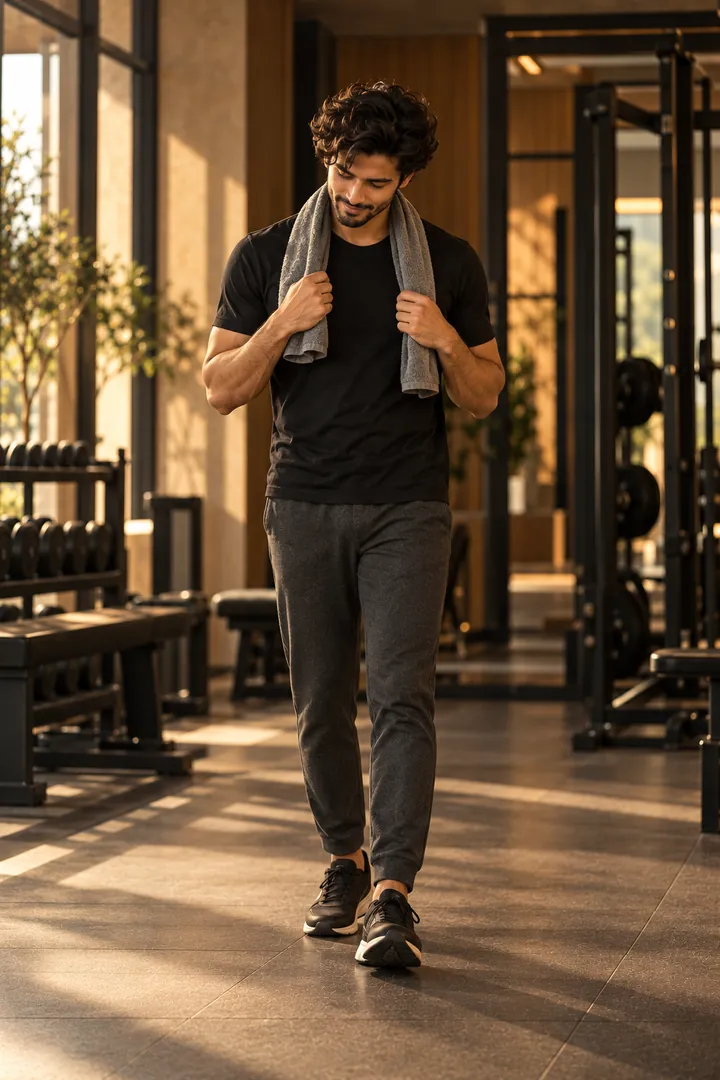
Outfits for work, interviews and weekends.
From the office to a weekend away. Tell it where you're going and it builds the outfit from your own wardrobe.







Features
An outfit planner that explains every pick.
Add your clothes once. Then ask the outfit planner whenever you need something to wear.
- Photo taggingSnap a piece and it's tagged by type, colour, pattern and season. You can fix any tag.
- Outfits for the occasionPick where you're going and get a full outfit from your clothes, plus one or two alternatives.
- Learns your tasteKeep or skip each outfit. The styles and colours you like shape the next suggestion.
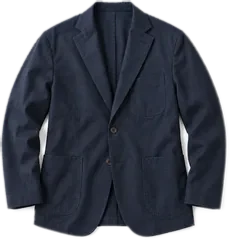
- Build around one pieceWant to wear that jacket? Choose it and the outfit is built around it.
How it works
From your wardrobe to an outfit, in four steps.
Start with a few pieces. It gets better every time you keep or skip an outfit.
- 01
Add your clothes
Take photos or upload them from your gallery.
- 02
Set your style
Pick the styles you like and the colours you avoid.
- 03
Get outfit ideas
Choose the occasion. Get an outfit and a reason.
- 04
Keep or skip
Every choice teaches it what suits you.
Privacy and trust
Your wardrobe stays yours.
Plain answers on where your photos go, who builds this, and how to reach him.
Stored on your device
Your photos, pieces and outfits are saved on your phone or in your browser, not on our servers.
Read the privacy policyAI only when it's needed
To tag a piece or plan an outfit, the photo or item details are sent to Google's Gemini API or to Groq for processing. We don't keep copies.
How our AI worksA founder you can reach
FitWardrobe is built by Aryan Panwar in Meerut, India. Questions and ideas go straight to him.
About FitWardrobe
Guides
Wardrobe apps and guides, compared honestly.
The guides readers search for most: which wardrobe app suits you, what to use on Android, and how to plan outfits and a capsule wardrobe from what you own.
- Wardrobe appsWhering vs Indyx vs Stylebook: which wardrobe app to choose
- AndroidIs Stylebook on Android? The best alternatives
- Wardrobe appsThe best digital wardrobe and outfit planner apps
- Digital wardrobeWhat a digital wardrobe is, and how to start one
- Outfit plannerAI outfit planner: outfits from the clothes you own
- Capsule wardrobeAn AI capsule wardrobe planner for what you already have
What is FitWardrobe?
FitWardrobe is a digital wardrobe app that suggests outfits using only the clothes you own. You photograph your clothes, it tags them, and it puts an outfit together for the occasion you choose, with a short reason for each pick.
Is FitWardrobe available yet?
Not yet. We're rebuilding the app now, for Android and the web first. Join the early-access list and we'll email you the day it opens.
Is there an iPhone app?
No. FitWardrobe launches on Android and the web first. On an iPhone you'll be able to use the web version in your browser.
Is FitWardrobe free?
Yes, it's free during early access. If we add paid plans later, we'll tell you well before anything changes. Nothing is ever charged without your clear agreement.
What happens to my clothing photos?
Your photos, items and outfits are stored on your own device. To tag a piece or suggest an outfit, the photo or item details are sent to a cloud AI service for processing. We don't keep copies on our servers.
Can FitWardrobe tell me what to wear to work?
That's the main thing it's built for. Add your work clothes, choose Work or a job interview, and it suggests an outfit from the pieces you own, with one line on why it suits the day. It can get things wrong, and you can tell it when it does.
Can it build a capsule wardrobe from my clothes?
It works as a capsule wardrobe planner rather than a shopping list. Add the pieces you want to keep in rotation and it builds outfits from only those, each with a reason, so a small wardrobe goes further.
How does it choose an outfit?
It reads the type, colour, pattern, season and formality of each piece you add, learns from the outfits you keep or skip, and puts together combinations for the occasion you choose. Every suggestion comes with a short reason. It can get things wrong, and you can tell it when it does.
How is it different from Whering, Indyx or Stylebook?
FitWardrobe focuses on one job: choosing an outfit for a specific occasion from clothes you already own, and telling you why it works. Our comparison guide sets out what each wardrobe app offers, based on their public feature lists.
Is there a Stylebook app for Android?
No. Stylebook is only available for iPhone and iPad. FitWardrobe is a digital wardrobe app coming to Android and the web, and our guide to Stylebook alternatives for Android compares the options available today.
What is a digital wardrobe app?
A digital wardrobe app keeps a photo of every piece of clothing you own, tagged by type, colour and season, so you can see your whole wardrobe on your phone and plan outfits from it. FitWardrobe adds outfit suggestions for the occasion you pick, each with a short reason.
Is it only for men?
No. FitWardrobe works with any wardrobe.

Get it first
Be the first to try FitWardrobe.
Leave your email and we'll write the day early access opens. Android and the web first; on an iPhone, use the web version.
- An email the day it opens
- Early previews of the new app
- A direct line to the team